Which hardware wallet for Beginners
Starting with crypto can be exhilarating—and a bit intimidating. Exchanges and software wallets are convenient, but they leave your private keys exposed to online threats. A hardware wallet keeps your keys offline, dramatically reducing the risk of hacks or malware. For beginners, the right device balances ease of use with strong security, so you can build confidence in self‑custody without being overwhelmed.
This content is educational, not financial advice. Do your own research and follow local laws/regulations.
Disclosure: Some links may be affiliate links. If you buy through them, we may earn a commission at no extra cost to you. We keep our comparisons independent and research-based (read our Disclosure Policy).
Quick Answer (Best Hardware Wallets for Beginners)
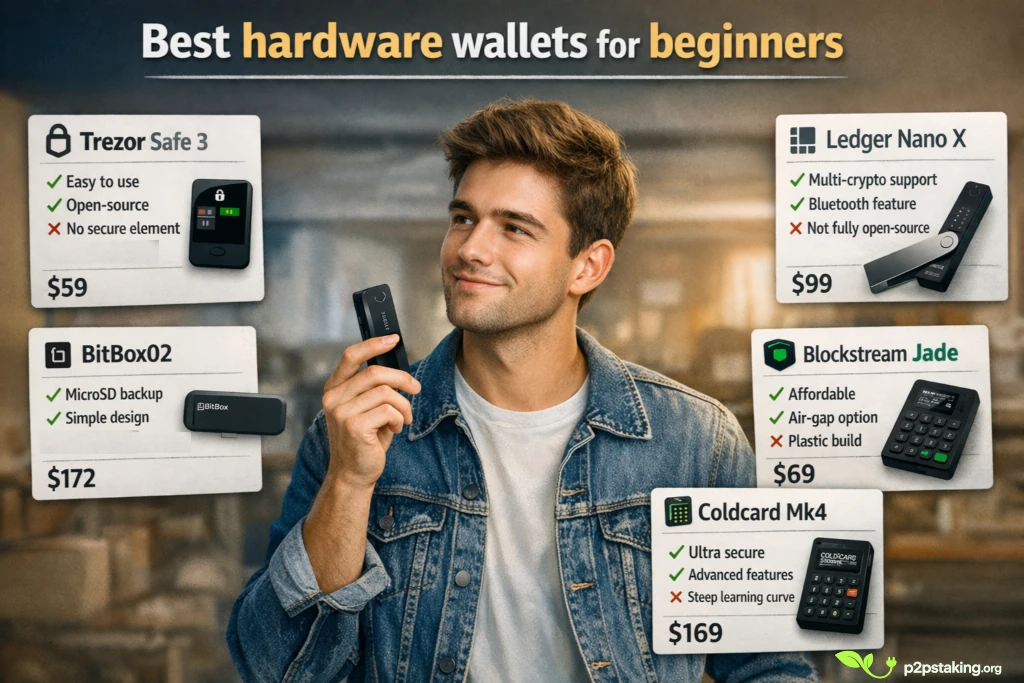
| Wallet | Best for | Why it suits beginners | Price |
|---|---|---|---|
| Trezor Safe 3 | Absolute beginners | Guided setup, intuitive interface, open‑source firmware | $59 Buy Trezor Safe 3 |
| BitBox02 (Bitcoin‑only) | Easy long‑term storage | Simple backup via microSD, clean design, open‑source | $172 Buy Bitbox02 |
| Blockstream Jade | Budget / mobile users | Affordable, mobile‑friendly, QR workflows | $69 Buy Jade |
| Ledger Nano X | Beginners who plan to explore DeFi | Multi‑asset support, Bluetooth, early support for new networks | $99 Buy Ledger |
| Coldcard Mk4 | Security‑minded learners | Bitcoin‑only, air‑gapped, passphrase support—if you’re ready to learn | $169 Buy Coldcard |
If you’re uncertain, start with Trezor or BitBox02. They offer enough security without the complexity, and you can connect them later to advanced software like Sparrow or Specter as you gain confidence. Choose Ledger if you want flexibility for Ethereum, stablecoins and DeFi. Coldcard is ideal once you’re comfortable with Bitcoin basics and want to go deeper.
What beginners say (community insights)
- Many first‑time users on forums emphasise how Trezor’s clear instructions and helpful prompts made their initial setup painless. They particularly like open source1 and the immediate recovery check that forces you to verify your seed phrase before depositing funds.
- People who started with BitBox02 appreciate the minimalist design and customer support2. Several note that they were able to finish the setup and test recovery in under 10 minutes, which gave them peace of mind.
- Budget‑conscious newbies often choose Jade. Users comment that they were surprised at how feature‑rich it is for the price, especially the QR‑based air‑gap option.
- Newcomers entering DeFi frequently pick Ledger because it supports testnets and new chains early. In Reddit discussions, users mention that the Nano X allowed them to try staking and liquidity pools without waiting for other wallets to catch up.
- Some adventurous beginners jump straight to Coldcard, attracted by its reputation. However, posts often caution that the learning curve is steep; one user noted they had to watch tutorials multiple times before feeling comfortable signing transactions.
These anecdotes underline a recurring theme: successful self‑custody is about matching the tool to your current skill level. Start simple, and advance when you’re ready.
Detailed comparison for beginners
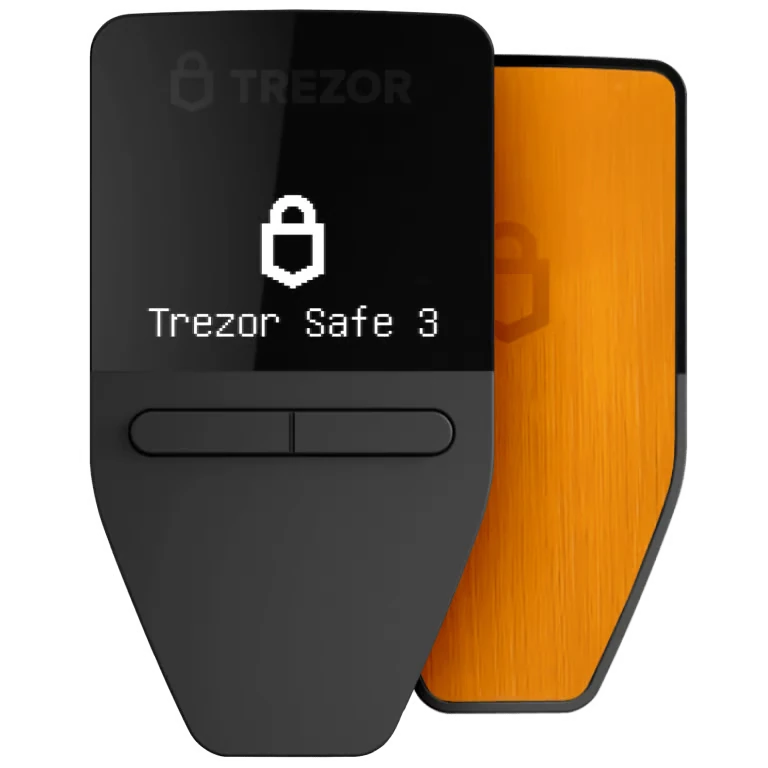
Trezor Safe 3 – smoothest onboarding
Why beginners love it: Trezor’s interface is clear, the setup wizard walks you through every step, and the firmware is open‑source. The Safe 3 is slimmer than older models and retains physical buttons for signing transactions. Beginners appreciate that the Trezor software forces them to write down and verify the seed before doing anything else—this builds good habits from day one. While Trezor lacks a secure element, its openness and long track record make it a trustworthy choice.
Good to know: You can later pair your Trezor with Sparrow or Electrum to gain more advanced features like UTXO control. For most beginners, though, the native app is more than sufficient.
BitBox02 (Bitcoin‑only) – simplicity meets security
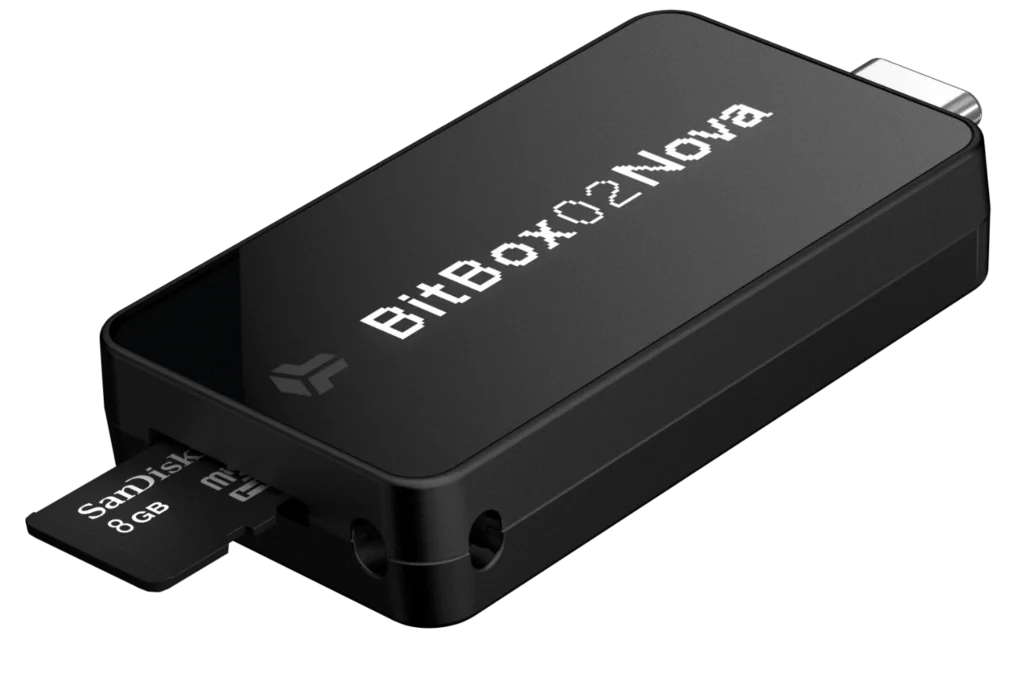
Why beginners love it: BitBox02’s Bitcoin‑only edition strips away distractions. Its microSD backup method means you plug in a card, write your seed onto it, and store it safely; there’s no need to write 24 words by hand. The firmware is open‑source and audited. Users say they feel guided yet never locked in. The desktop app makes it easy to update firmware, check balances and set transaction fees without jargon.
Good to know: There’s also a multi‑asset version if you plan to hold other coins. You can always migrate to the multi‑asset model later; starting with the Bitcoin‑only edition helps reduce complexity.
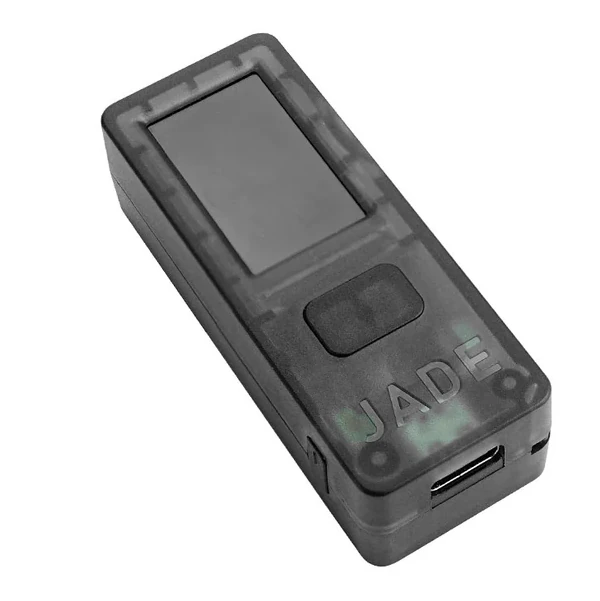
Blockstream Jade – affordability with room to grow
Why beginners love it: Jade offers a genuine cold storage experience at an entry‑level price. The built‑in camera supports QR signing for air‑gapped transactions. Its integration with Blockstream Green mobile app makes it convenient to manage your wallet from a phone. Forum posts from new users highlight how Jade let them test self‑custody without a big financial commitment.
Good to know: Because Jade uses a battery, you need to ensure it’s charged. The case feels plastic but does not affect security.
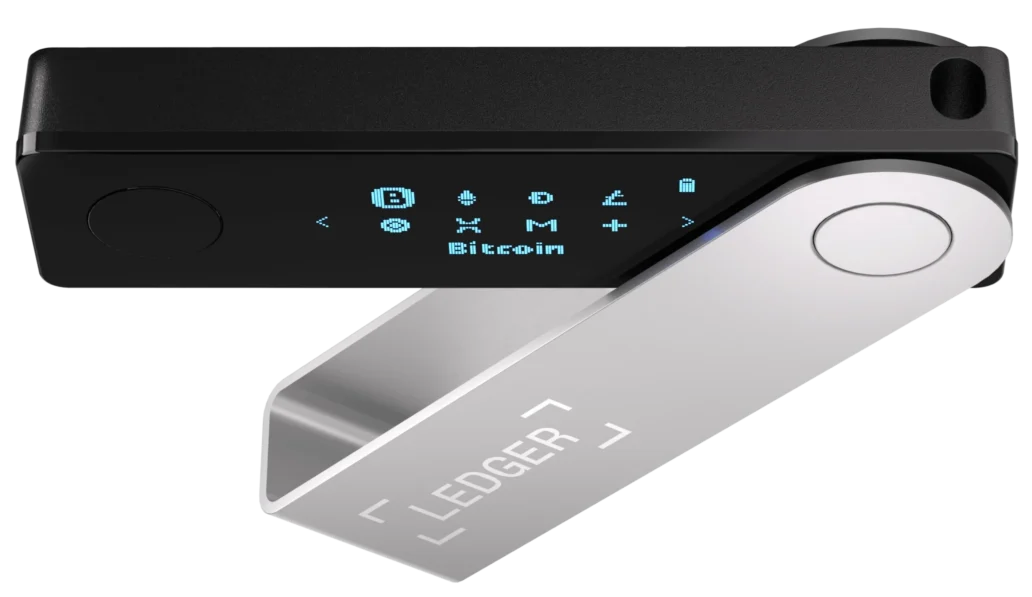
Ledger Nano X – flexibility for exploration
Why beginners love it: Ledger is often the first hardware wallet people encounter. It’s sleek, supports thousands of coins, and the Bluetooth feature allows mobile use. Many DeFi beginners appreciate that new protocols, testnets and tokens are supported quickly by Ledger. This makes it ideal if you plan to branch out beyond Bitcoin.
Good to know: Ledger’s firmware is not fully open‑source, and its companion app, Ledger Live, adds layers you may not need for Bitcoin. If you go deep into Bitcoin, you can connect your Ledger to Sparrow or Electrum for more control. Also, Ledger has faced criticism for data leaks and certain software features; none compromised users’ private keys, but privacy‑conscious users may prefer open‑source devices.
Coldcard Mk4 – learning security early
Why beginners love it (when they do): Coldcard is Bitcoin‑only and built for security. It operates air‑gapped, supports passphrases and multisig, and lets you derive multiple wallets from one seed. A few technically inclined beginners on Reddit praise it for teaching them good habits (such as offline signing and UTXO management) early on.
Challenges: Coldcard’s strength is also its weakness for novices: complexity. If you do not need advanced features yet, you might find the interface daunting. That’s why we recommend Coldcard to beginners only if they’re committed to learning more or have guidance from experienced friends.
Our approach and experience with Crypto Hardware wallets
At P2P Staking we’ve managed crypto assets across dozens of networks. We’ve used Ledger devices (Nano S, Nano X) since the early days to secure coins on testnets and new DeFi projects—Ledger tends to be among the first wallets supported by many protocols.
For long‑term Bitcoin storage, we migrated our treasury to Coldcard because it gives precise control over UTXOs, offers air‑gapped signing and supports passphrase‑derived sub‑wallets.
Each use case calls for a different type of wallet. The setup that makes sense for a validator managing infrastructure or interacting with multiple networks is not the same as what a beginner needs. Through our work with delegators, we’ve seen firsthand that simplicity and clarity matter far more at the start than advanced features.
This experience taught us an important lesson: the best hardware wallet for a beginner isn’t necessarily the most advanced. It’s the one you’ll use correctly, that will grow with you as your needs evolve.
How we evaluated these wallets
We considered:
- Ease of setup: Does the device guide you through backups and recovery? Is the interface intuitive?
- Security features: Offline key storage, open‑source firmware, air‑gapped options, secure elements.
- Compatibility with software wallets: Especially for Bitcoin, the ability to connect to tools like Sparrow, Electrum, or Specter is critical. It allows better control over UTXOs, fees, and privacy, and ensures your setup can evolve beyond the manufacturer’s default interface.
- Upgrade path: Can beginners start simple and grow into more advanced features?
- Community feedback: We analysed user reports from forums and reviews to identify recurring praise and pain points.
- Our hands‑on experience: Years of using these devices for staking and treasury management have informed our perspective.
Mistakes beginners should avoid
- Skipping the recovery test: Always restore your wallet from the seed phrase before depositing substantial funds. This ensures your backup is valid.
- Saving the seed digitally: Never store your seed on a phone, computer or cloud (hack exposure). Write it down or engrave it and keep it offline.
- Ignoring software updates: Firmware updates fix bugs and add features. Connect your wallet periodically to check for updates.
- Leaving coins on exchanges: Buying a hardware wallet is pointless if you never transfer your coins off the exchange.
- Rushing into complexity: Start with a simple setup and add features like passphrases or multisig only when you understand them.
Final recommendation
For most beginners, Trezor Safe 3 or BitBox02 offer the best balance of ease and security. Ledger Nano X is ideal if you see yourself holding Ethereum and other tokens, and you want early support for DeFi projects. Blockstream Jade is perfect if you’re on a tight budget but want proper cold storage. Coldcard Mk4 is the right choice if you’re serious about learning advanced Bitcoin security from the start or plan to become a power user.
Remember: your first steps in self‑custody set the tone for the future. Choose a wallet you can set up confidently, practise your backup and recovery, and move your coins off exchanges. The journey begins with the device that fits you now, and there’s always room to grow.

Java‑certified engineer and P2PStaking CEO, I secure validators across Solana, Polkadot, Kusama, Mina, and Near. My articles reflect hands‑on wallet ops and real recovery drills so you can set up self‑custody safely, step by step.
Ready to Take Control of Your Crypto?
Go deeper into self‑custody, software wallets, hardware wallets, and practical guides.
FAQ – hardware wallets for Beginners
Why can’t I just keep my coins on the exchange?
Exchanges control your private keys. If the exchange is hacked or freezes withdrawals, you can lose access. Hardware wallets give you control
Isn’t a Bitcoin‑only device too limited?
If you plan to hold only BTC, a Bitcoin‑only wallet reduces complexity and attack surface. If you plan to explore other coins, a multi‑asset wallet like Ledger or BitBox02 multi‑asset is more practical.
Do I need technical skills?
No. Devices like Trezor and BitBox02 are designed for non‑technical users. They guide you through each step and provide clear explanations.
What happens if I lose my hardware wallet?
You can recover your funds with your seed phrase on a new device. That’s why backing up your seed securely is crucial.
Can I upgrade later?
Yes. Many users start with an easy device and later transition to a more advanced one. You can also connect your existing wallet to advanced software to unlock more features.
Footnotes
1: https://www.reddit.com/r/Bitcoin/comments/1r85s34/hardware_wallet/
2: https://www.reddit.com/r/Bitcoin/comments/1mf4ro4/bitbox_wallet_is_by_far_the_best/